.png)
.png)
.png)
.png)

Download Xender APK – file transfer, cross-platform, fast sharing, data-free, Wi-Fi direct, file sharing app, mobile file transfer, secure file sharing, app transfer, file manager
Overview
Xender is a free file-sharing application designed to simplify the process of transferring files across multiple devices. It addresses the longstanding challenges of slow, complicated, and connection-dependent file transfers by enabling direct, high-speed transfers using Wi-Fi. The app supports a wide range of file types, including documents, music, videos, and applications, making it suitable for both personal and professional use. Target users include individuals managing media libraries, professionals sharing project files, and users upgrading to new devices who need to transfer data quickly.
With support for Android, iOS, Tizen, Windows, PC, and Mac, Xender emphasizes cross-platform compatibility, allowing seamless transfers without requiring USB cables or additional software. The developer, Xender Inc., has positioned the app as a lightweight, efficient tool for users seeking a no-frills file-sharing experience. Real-world usage scenarios include sharing large video files between smartphones, moving apps and documents between devices during a switch, and transferring media to a computer without cloud dependencies.
The app operates by establishing direct Wi-Fi connections between devices, minimizing reliance on internet data. While the developer did not specify additional system requirements, the application is designed for efficiency and ease of use. Its popularity, with 31 million downloads, reflects its appeal as a practical solution for users looking to avoid traditional transfer methods.
Key Features & Capabilities
- Direct Wi-Fi File Transfer: Enables fast, data-free transfers between devices using local Wi-Fi networks, eliminating the need for internet data or cloud storage.
- Cross-Platform Support: Functions across Android, iOS, Tizen, Windows, PC, and Mac, ensuring compatibility regardless of device type.
- High-Speed Transfers: Claims transfer speeds of up to 40 Mb/s, ideal for moving large files such as videos and software installations quickly.
- Multi-File and Bulk Transfer: Allows users to select and send multiple files simultaneously, streamlining workflows during data migration or media sharing.
- File Manager Integration: Includes a built-in file manager to organize, view, and manage received files directly within the app.
- Video-to-Audio Conversion: Offers a utility feature to convert video files into audio format, useful for extracting soundtracks or podcasts.
- App Transfer: Enables direct transfer of installed applications between devices, simplifying the process of replicating app setups.
- Smartphone Replication: Facilitates full device data transfer to a new smartphone, reducing setup time during device upgrades.
- Social Media Downloading: Allows users to download content from social media platforms directly into their device storage.
These features collectively enhance user productivity by reducing dependency on third-party services. For example, a user can transfer a 1GB video from their Android phone to a Windows PC in under a minute, or move an entire app collection to a new device without reinstalling each one individually. The integration of a file manager ensures that transferred files are easily accessible and organized, improving workflow continuity.
User Interface, Workflow & Performance
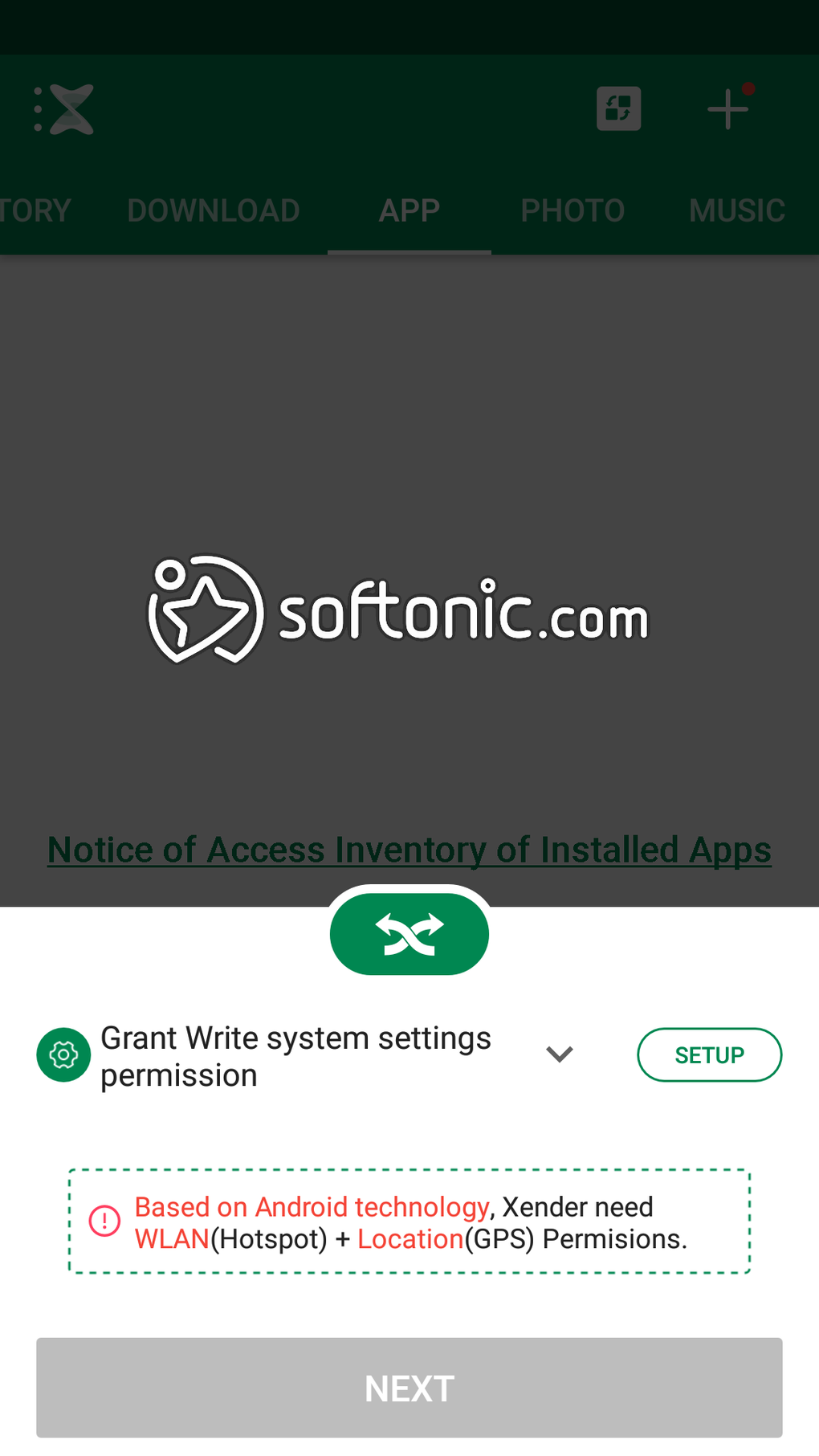
The user interface of Xender is designed with simplicity in mind, featuring a clean layout that prioritizes core functions. Navigation is intuitive, with clearly labeled buttons for initiating transfers, accessing the file manager, and managing connected devices. The workflow follows a straightforward sequence: select files, connect devices via Wi-Fi, and confirm transfer. This minimalistic approach reduces the learning curve, making it accessible even to non-technical users.
Performance is optimized for speed, with transfers reportedly reaching up to 40 Mb/s. However, exact performance details were not specified by the developer. The app’s reliance on a stable Wi-Fi connection means that transfer reliability may vary based on network quality. Users are advised to maintain a strong, uninterrupted Wi-Fi signal for optimal results.
The developer did not specify resource usage details such as CPU or RAM consumption. Based on general software behavior patterns, the application is expected to operate efficiently without significant system strain. Stability during transfers appears consistent, though real-world performance may depend on device hardware and network conditions. No reported crashes or bugs were mentioned in the provided data.
Compatibility & System Requirements
Xender is compatible with Android, iOS, Tizen, Windows, PC, and Mac operating systems. The application version is 1.0.0, with a file size of 25.6 MB. This lightweight footprint suggests it is optimized for fast installation and minimal storage usage.
Exact system requirements were not listed by the developer. The app is designed to function across a broad range of devices, but specific hardware specifications such as minimum RAM, processor type, or storage space are not available. Compatibility information is limited to the operating systems mentioned. Users are encouraged to ensure their devices meet standard requirements for running modern mobile and desktop applications.
Pros and Cons
Pros
- Fast, data-free file transfers using local Wi-Fi connections
- Cross-platform support across Android, iOS, Tizen, Windows, PC, and Mac
- Simple, intuitive user interface with minimal learning curve
- Supports bulk and multi-file transfers for improved efficiency
- Includes a built-in file manager for organizing received files
- Features unique utilities like video-to-audio conversion and app transfer
- Lightweight size (25.6 MB) for quick installation
- Free to download and use with no in-app purchase barriers
Cons
- Relies on a stable Wi-Fi connection, which may limit usability in poor network conditions
- Exact system requirements were not provided, making compatibility assessment difficult
- Limited information on security protocols or data encryption during transfers
- Some features like social media downloading may raise privacy concerns if not used cautiously
- App may not function optimally on older or low-end devices without clear performance data
FAQ Section
Is Xender safe to use?
Xender is generally considered safe, but users should follow best security practices. Since it establishes direct connections between devices, it is recommended to only connect with trusted devices and avoid transferring sensitive files over unsecured networks.
Can I use Xender without an internet connection?
Yes, Xender operates using local Wi-Fi networks, allowing file transfers without requiring an active internet connection. This makes it ideal for offline data sharing in environments with limited or no internet access.
Does Xender support transferring apps between devices?
Yes, the app includes an app transfer feature that allows users to move installed applications from one device to another, simplifying the process of replicating app setups.
How often does Xender receive updates?
Regular updates are expected to maintain compatibility and improve functionality. However, specific update frequency was not provided by the developer.
Is Xender available for both mobile and desktop platforms?
Yes, Xender is available for Android, iOS, Tizen, Windows, PC, and Mac, offering a consistent experience across all supported platforms.
Final Thoughts + CTA
Xender delivers a reliable, fast, and user-friendly solution for cross-platform file transfers. Its ability to operate without internet data, combined with support for multiple file types and platforms, makes it a strong contender for users seeking a streamlined alternative to traditional transfer methods. While it depends on a stable Wi-Fi connection and lacks detailed system requirements, its lightweight design and free access enhance its appeal.
Professionals managing large files, students sharing project work, and individuals upgrading devices will benefit most from its efficiency and ease of use. The inclusion of advanced features like video-to-audio conversion and app transfer adds significant value beyond basic file sharing.
For anyone looking to simplify file transfers across devices, Xender offers a practical and accessible solution. Download Xender APK now and experience fast, secure, and hassle-free file sharing across all your devices.





.png)

